Explain how the information will be used
Participants review the requested fields and purpose before agreeing.

Privacy
Events need customer contacts. Explain why they are collected and manage them within participant consent and staff permissions.
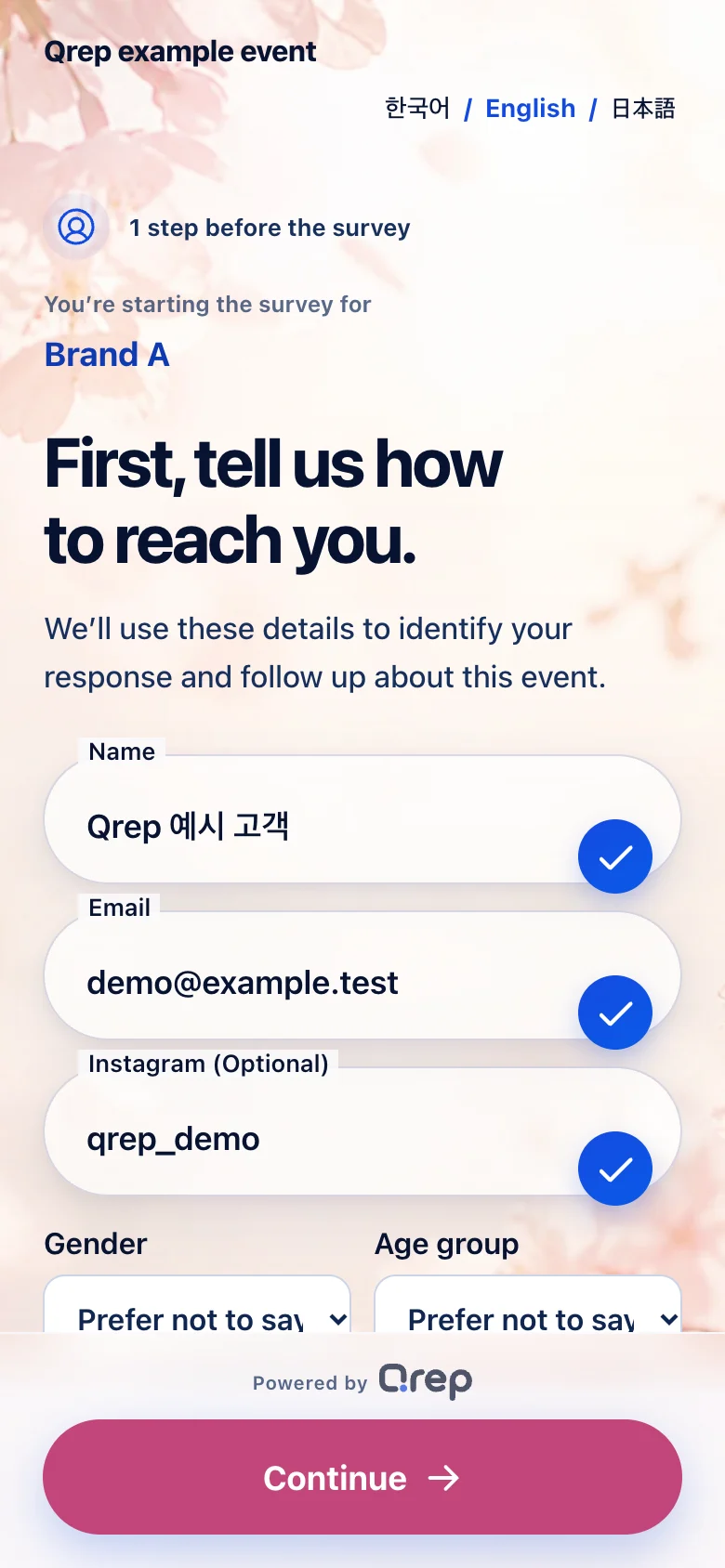
Show the fields, purpose, retention period, and request path before consent.
Participants review the requested fields and purpose before agreeing.
Names and email addresses are not simply mixed into survey answers.
Answers from other events and other brands are not shown.
Participants can see the retention period and request path before agreeing.
The same data and menus are not open to everyone.
Organizer
Viewing and downloading contact details require separate permissions.
Brand team
See your brand’s question results. Contact sharing requires participant consent and separate permission.
Participant
See what information is collected and why before you choose to participate.
Event-specific notices and retention settings carry into the participant screen and actual handling.
Show the information, reason, responsible company, and request path.
Do not mix raw contact details directly into survey answers.
Process requests only within the assigned event and brand.
Start deletion after the period set for the event.
From surveys and response collection to reports for each brand, we help you set up Qrep around your event size and operating model.
Online ordering coming soon